General style
Style of the UI will be something crystal/geode themed, in light blue colors
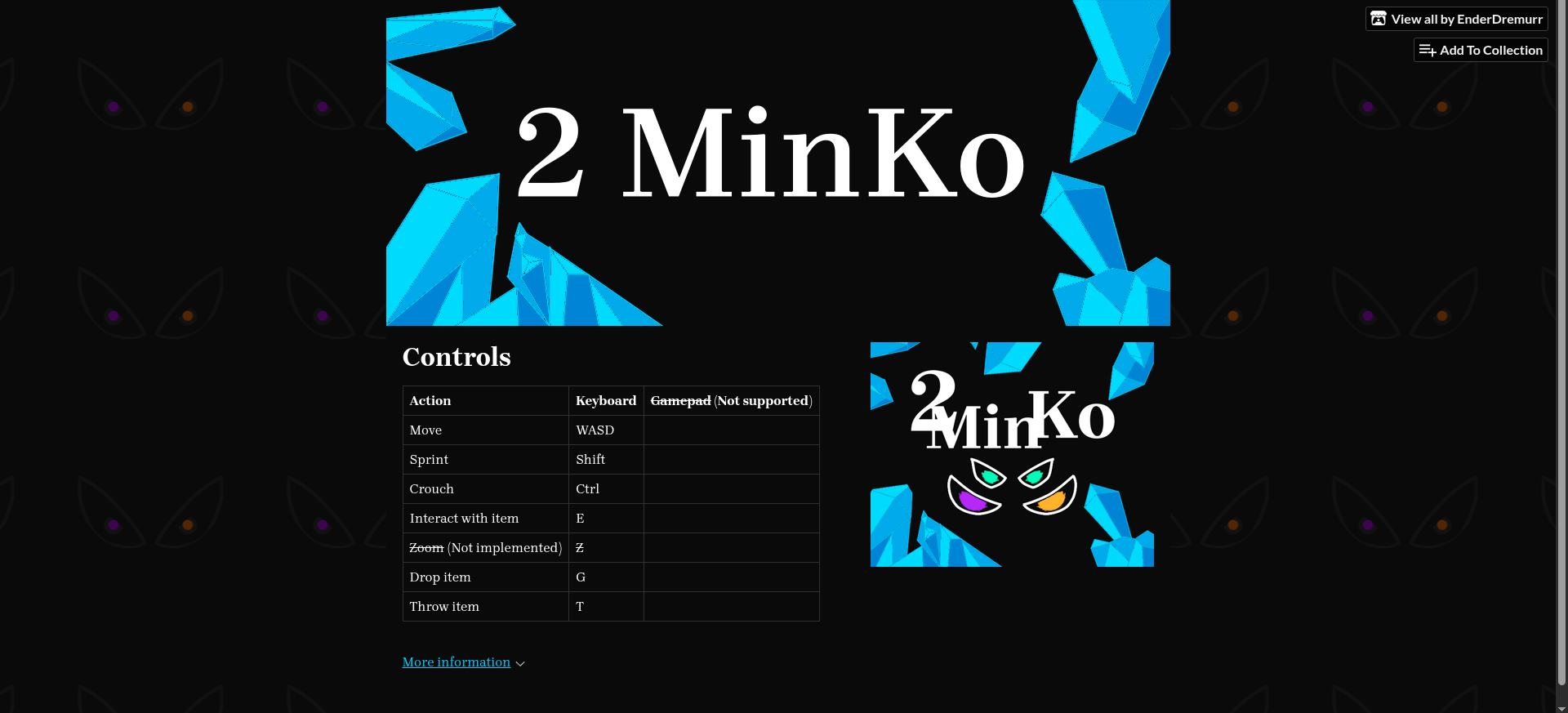 (Screenshot from the itch page, at the time of the dev)
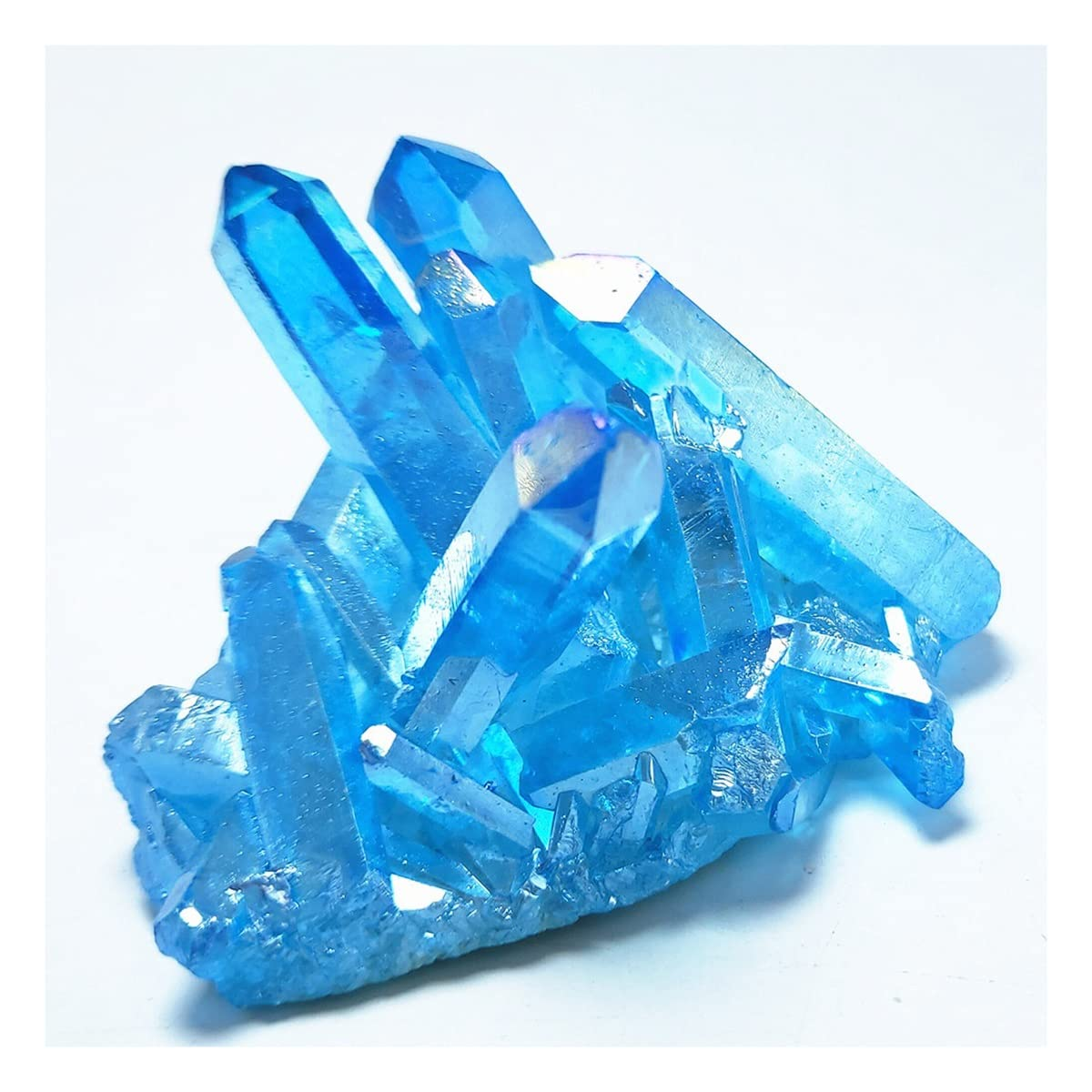
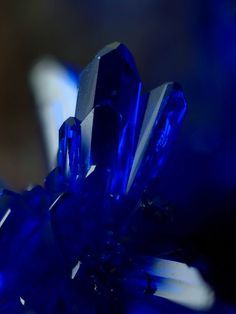
Main Menu
Song at the main menu will be something with mood like “My Castle Town” from deltarune
Welcome screen?
Main menu
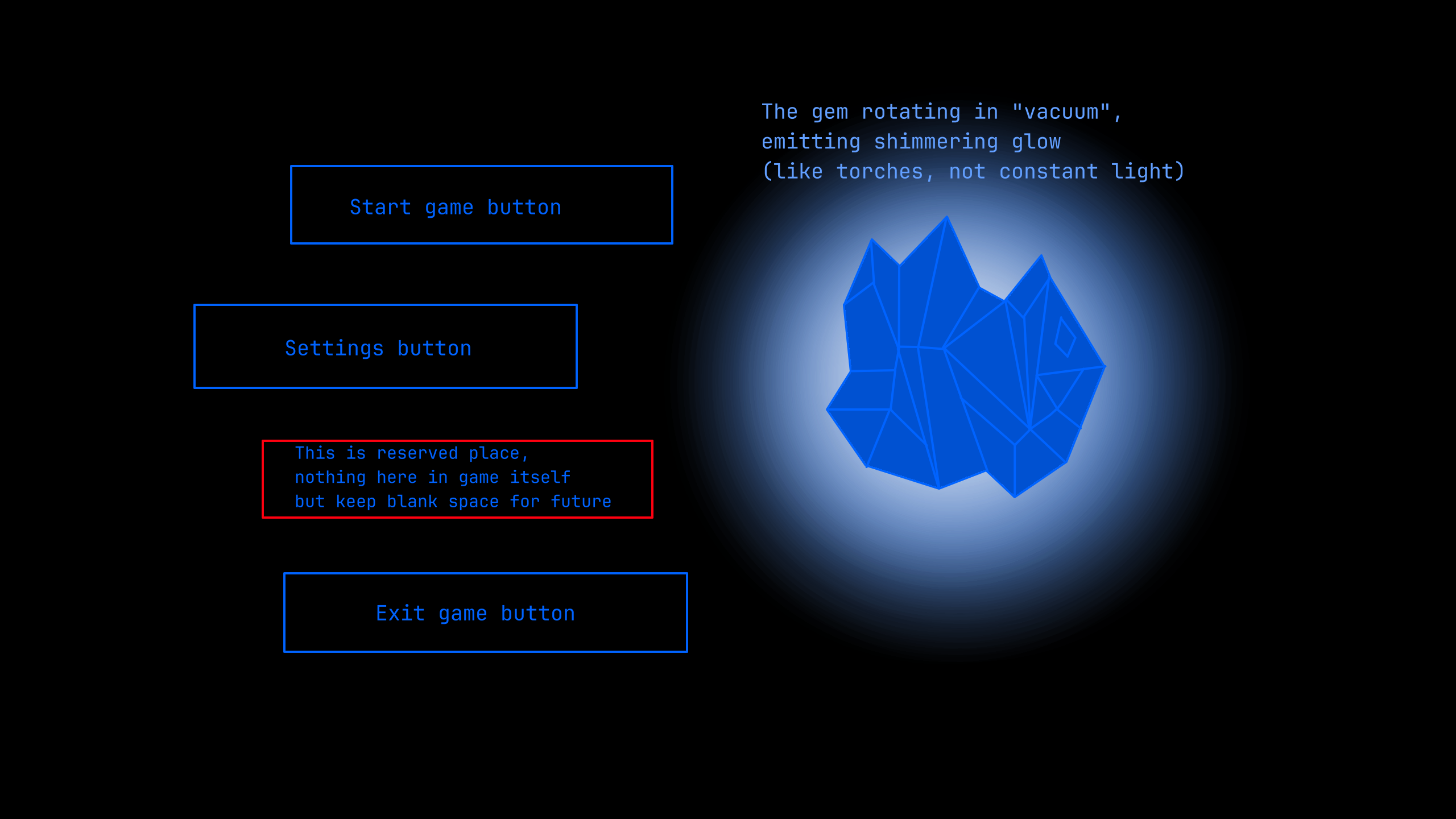 Mockup on how the ui will look
IMPORTANT!!! I have mixed settings and blank space, change their spots.
Right bottom corner will have game version label. Logo will be placed at the bottom of floating crystal (next to the exit game button)
Settings
stub
Game Overlay
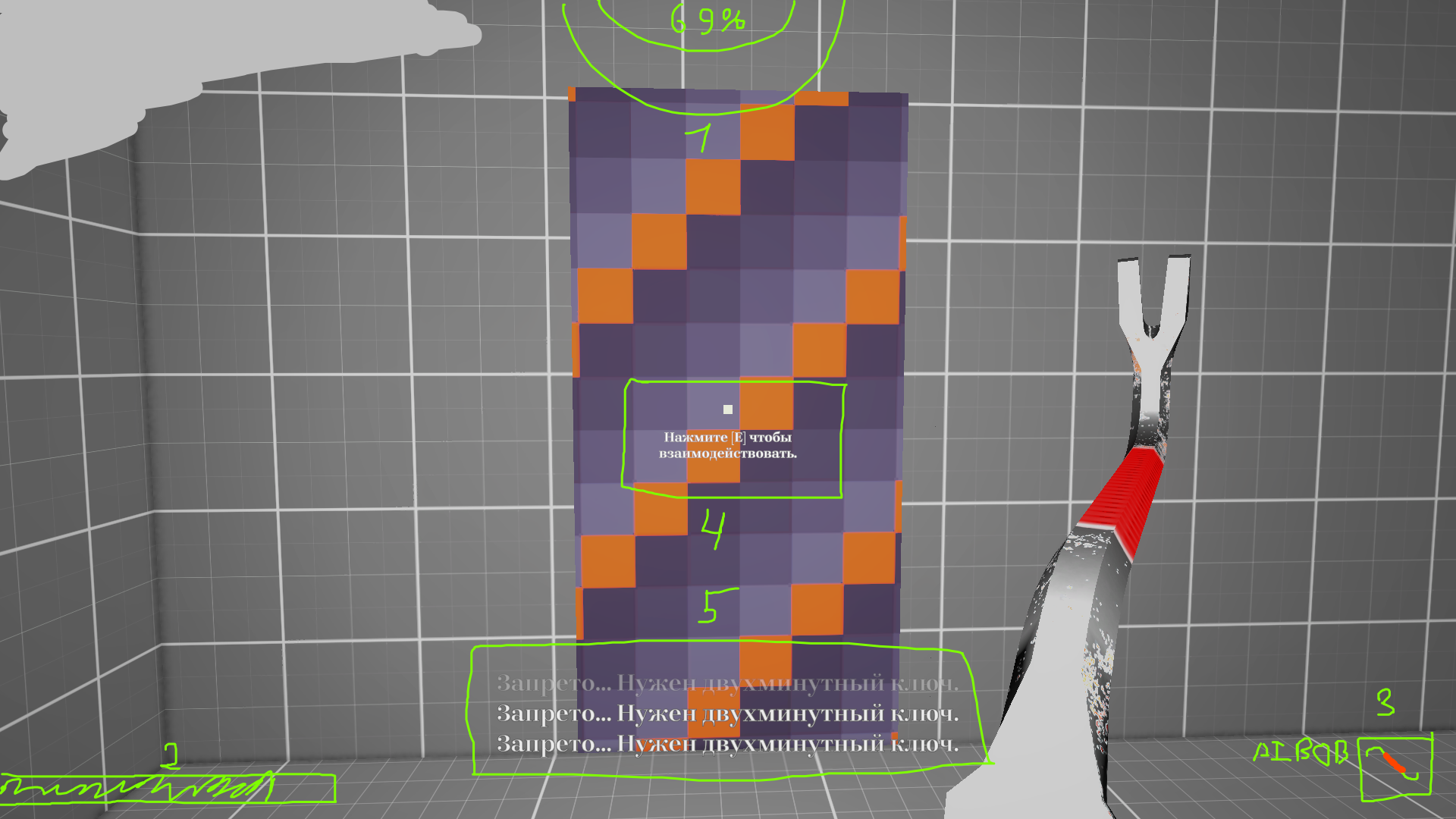
Drawn layout for reference
1. Gaze indicator
Depending on current location will display gaze of the current monster (AAI for basement, SI for house)
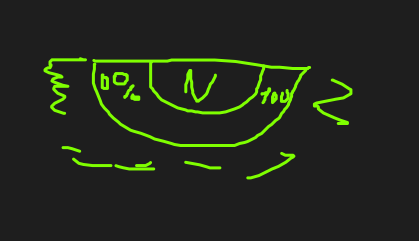 Fills from left to right, colors change depending on the fill (of the entire bar, colors are for indication, final version will be a gradient)
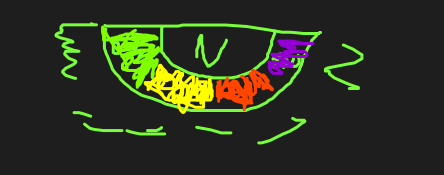 N is a place for a numerical amount, 0%, 69% etc.
2. Stamina bar
Simple bar for displaying player’s stamina Hidden when player’s stamina is full
3. Held item description
Located in the bottom right corner of the screen Rightmost will be the icon of the item player is holding To the left of icon there is two textboxes, one at the top containing item’s name, and below it optional box that will show if item could be used as a primary/secondary action (Controls map)
4. Description of an interaction
If player looks at an object that could be interacted with, a textbox with interaction info will appear under the crosshair
5. Subtitles
This part is not exactly subtitles, rather a system that is used for basically all text game may want to show, notifications, dialogue, and so on. Messages get stacked onto each other and gradually fade away.
Escape Menu
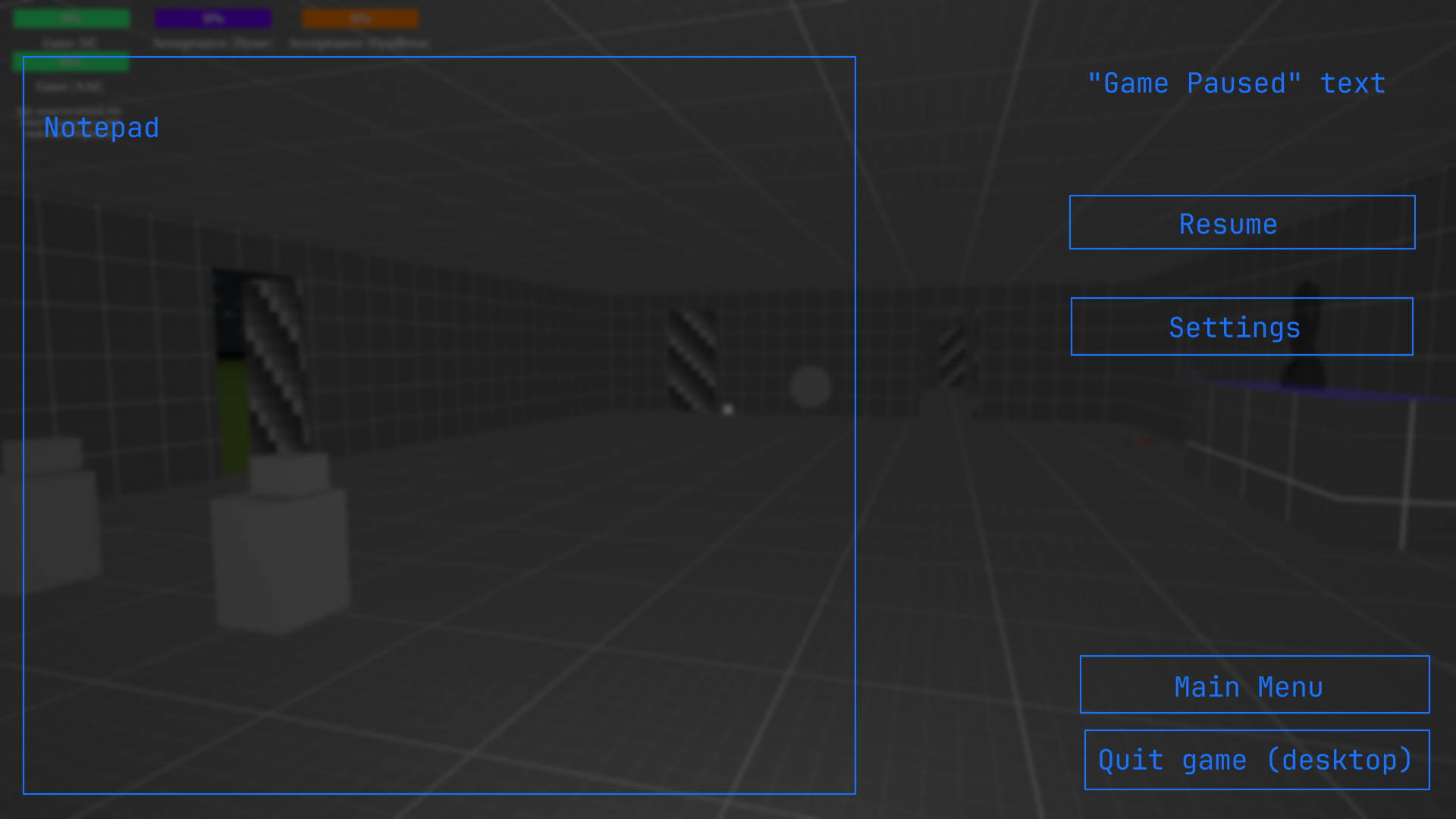 Mockup for the pause menu
Background is just the game itself, darkened and blurred. Also when in pause any UI from the game itself must be hidden. Additionally, make blur and darkening appear gradually when pausing the game, and disappear the same way, but faster.
Buttons
Resume
If user presses Back or clicks the Resume button, game will leave the pause and game will resume.
Settings
Opens settings menu, games remains on pause.
Main Menu
Changes scene to Main Menu (leaves current session basically), add confirmation modal.
Quit Game
Closes the game itself, add confirmation modal.
Notepad
Notepad background will be made something to be easily readable (not transparent like now.)